According to BuiltWith, at the peak of its popularity, Magento was powering over 210 thousand ecommerce businesses. The number is lower now, but despite this, Magento remains one of the most recognizable ecommerce platforms out there.
It’s also one of the most powerful, but it would be nowhere near as good if it weren’t for the enormous community of software developers producing extensions.
At the time of writing, the official Adobe Commerce marketplace hosts just ожер 3,500 add-ons, and although they’re neatly categorized, it can be tricky to find what you’re looking for.
Our goal today is to help you by listing the best Magento extensions for 2026.
TL;DR – Picking The Best Magento Extensions for 2026
Magento store owners have a lot on their plates. From search engine optimization and marketing activities to shipping, delivery management, and accounting – things can get a bit hectic.
Over the years, Magento has proven itself as an incredibly comprehensive platform, but on its own, it can’t help you with all the day-to-day jobs required to keep a successful ecommerce business running. With the right extensions, however, it can..
The official marketplace organizes Magento add-ons in nine categories:
- Accounting & Finance
- Content & Customization
- Customer Support
- Marketing
- Payments & Security
- Reporting & Analytics
- Sales
- Shipping & Fulfillment
- Site Optimization
As you can see, pretty much every aspect of your ecommerce business can be improved upon with a Magento extension.
That said, every project has its unique set of requirements, so a plugin that works perfectly for one Magento store won’t necessarily fit in very well with another site. Still, we wanted to create a helpful resource containing extensions that fit a broad range of businesses.
The add-ons had to be in line with the latest trends in the ecommerce industry, so that was the first criterion we used when filtering them. We then conducted testing and reviewed extensive customer feedback to gain insight into the real-world experiences of Magento owners. In the end, we were left with nine extensions offering a range of features and functionalities.
We’ll show you what they do, how they do it, and what you should bear in mind when installing them. We’ll also tell you how much they cost when you set them up on a Magento Open Source website.
Amasty Improved Layered Navigation
Best Magento Extension for Navigation & Search
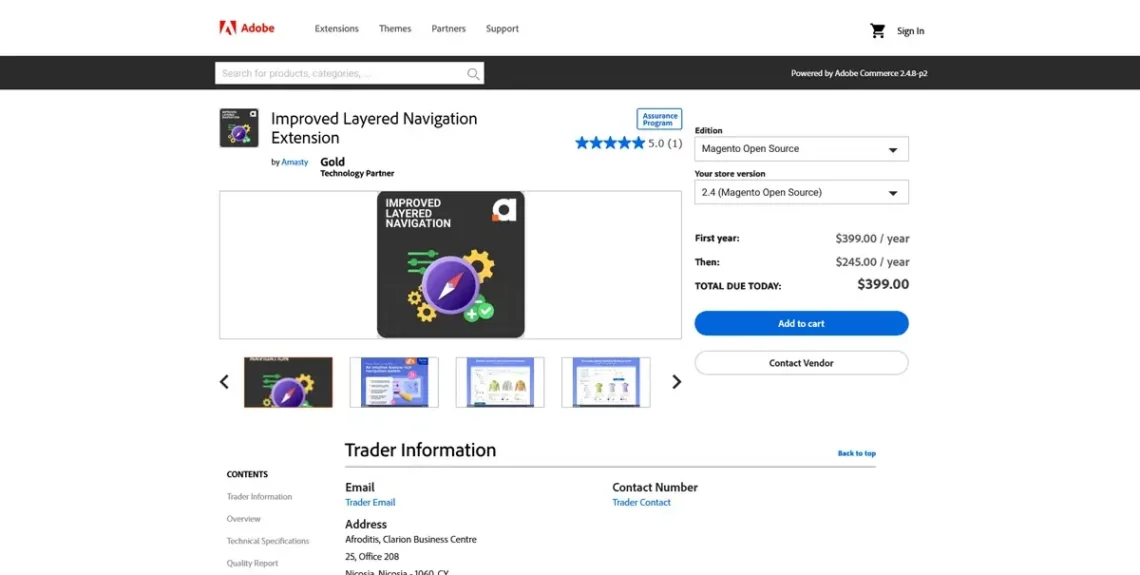
There’s no point in having an online store with a rich catalog and competitive prices if your customers can’t find what they’re looking for. In fact, if you don’t implement an intuitive, easy-to-use search and filtering functionality, the entire business sets off on the wrong foot.
That’s why Amasty’sImproved Layered Navigation extension for Magento is so popular. Its focus is solely on improving your site’s user experience by introducing a comprehensive filtering system and providing your customers with sufficient options for narrowing down their choices, allowing them to quickly and efficiently find the product they need.
It’s much more comprehensive than what Magento offers out of the box. The interface is highly customizable, with options for positioning the search boxes and filtering widgets in either vertical menus or a sidebar.
Users have complete freedom when browsing your products. They can shop by brand or filter items by color, type, size, rating, etc. There are advanced category trees that allow them to apply multiple criteria for the listed items, and with the price sliders, they can set a budget and stick to it.
Amasty’s extension utilizes AJAX filtering, which means the content is dynamically updated, and applying filters doesn’t require a full-page reload. This makes browsing smoother and faster.
In addition to improving the user experience, quicker loading speeds can help you climb the search engine results pages. Furthermore, the filtering system attaches a lot of metadata to your products, making them more visible to the outside world. In other words, although it’s not specifically designed for that, Amasty’s Improved Layered Navigation extension can give you a significant SEO advantage.
Considerations:
Don’t forget that applying too many filters can increase the number of concurrent database queries and negatively impact performance. Think carefully about the options you enable.
The extension does support most modern themes, but there’s always a chance of compatibility issues with other add-ons and your version of Magento. Test every functionality in a staging environment before you roll out the changes to production.
Price:
Amasty’s Improved Layered Navigation for Magento’s open-source edition costs $399 for the first year, after which the price drops to $245 per year.
Mageplaza One-Step Checkout
Best Magento Extension for Checkout
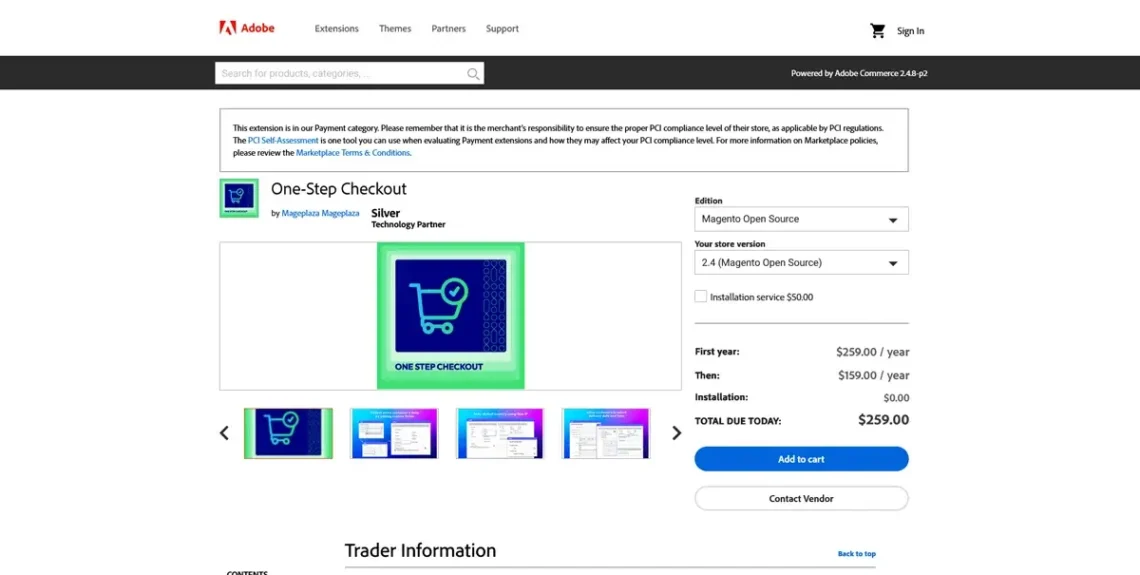
Cumbersome checkout procedures make users feel like they’re jumping through far too many hoops in order to spend their money. In light of this, it’s little wonder the average cart abandonment rate sits at around 75%.
The purpose of the Mageplaza One-Stop Checkout is to help you reduce it.
The idea is to consolidate the entire checkout process into a single page, allowing customers to complete their purchases much more quickly. When it comes to layout, your checkout page is fully customizable.
You have plenty of options for enabling and arranging fields, toggles, and buttons, and the extension actually has some open-source code, so with some development work, you can build the interface to your exact design specifications.
Regardless of the layout, the page is responsive and works well on screens of all shapes and sizes.
There’s no shortage of options, either. Most payment methods and popular gateways are supported, and you can enable guest checkouts, add custom fields, display trust badges, and allow discount codes, among other features. A special analytics system tracks how your customers interact with your checkout page, providing insight into whether these options are effective.
Considerations
Potential compatibility issues may arise if you’re using other add-ons that affect the checkout process (e.g., extensions that enable additional payment options). Theme compatibility must also be tested in a staging environment.
Price
Mageplaza’s One-Step Checkout costs $259 for the first year, after which the annual fee drops to $159. An installation service is also available at a one-time cost of $50.
Webkul Multi Vendor Marketplace
Best Magento Extension for Marketplaces
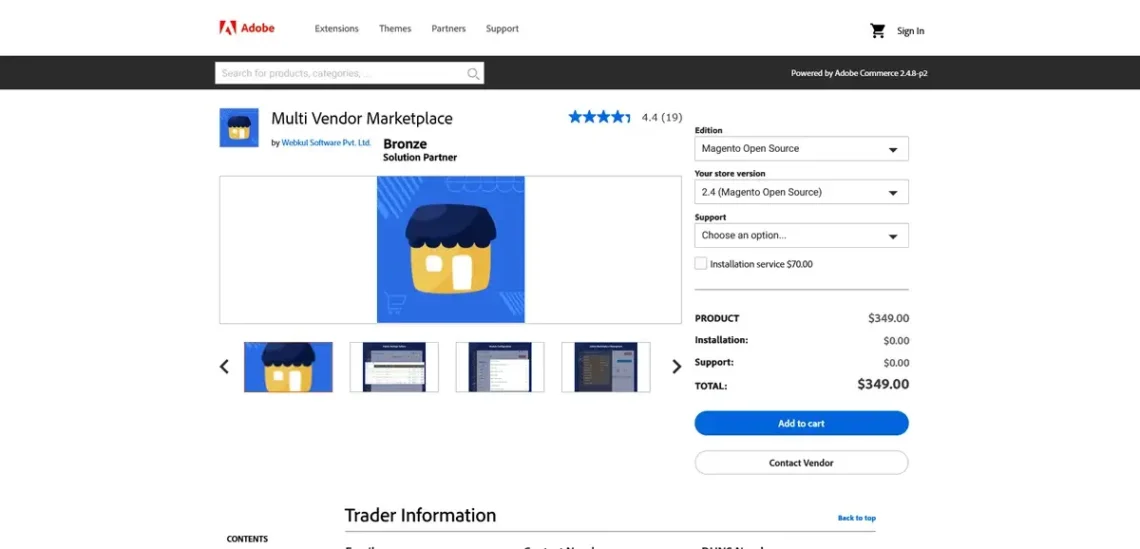
In 1994, Amazon started off as a humble online bookstore. By 1999, it was already offering CDs and DVDs, and it was at that point that it opened its website to third-party sellers. Thanks to this decision, it’s now the world’s biggest online retailer, offering anything from baby diapers to luxury items worth hundreds of thousands of dollars.
Competing with Jeff Bezos’s ecommerce empire may not be on the cards for your Magento store, but as your business grows, you may reach a point where inviting third-party sellers makes sense. If you do, Webkul’s Multi Vendor Marketplace extension can help you take your project to the next level.
Turning a store into a marketplace changes the business model completely. It means you have not two but three stakeholders: the website administrator, the seller, and the customer. The Multi Vendor Marketplace extension has features that make the lives of all three much easier.
As an administrator, you have all the options to make your ecommerce platform easy to use, flexible, and crucially, profitable. Seller management features include the ability to manually or automatically approve new vendor profiles, products, and even orders. You can also set custom commissions for individual sellers.
Each vendor has their own landing page with a logo and a banner, as well as a dashboard for managing and developing their business. The ability to add products to the category of their choice, coupled with the freedom to enter their own descriptions and customize URLs, allow them to make their listing more visible to both customers and search engines. They can put social media links on their vendor page, thereby increasing their chances of building a loyal client base.
In the vendor dashboard, there are pie charts, grids, and reports related to the state of their business, and they can make withdrawal requests at any time.
From the end user’s perspective, the obvious benefit is a bigger, more diverse catalog of products provided by your Magento store. However, this shouldn’t come at the price of convenience, and people must still be confident that they’re doing business with a reputable partner.
Webkul’s Multi Vendor Marketplace enables users to purchase products from various sellers within the same checkout, ensuring a seamless shopping experience. In addition, the process is as transparent as possible.
Users can view the location of each seller on their vendor page and compare prices of identical products offered by multiple vendors. They can also leave ratings and reviews for individual sellers, making your marketplace a more convenient shopping outlet.
Considerations
Switching from a single-vendor online store to a marketplace is a significant change in the business plan that carries considerable risks. Every step of the process must be thought through, with the potential pros and cons weighed carefully. From a technical perspective, the extension should be thoroughly tested before it’s rolled out into production.
Price
Webkul’s Multi Vendor Marketplace extension costs $349. You can choose between two support plans: $140 for a six-month agreement or $175 for a full year. An installation service is available at $70.
Yotpo Reviews
Best Magento Extension for Product Reviews
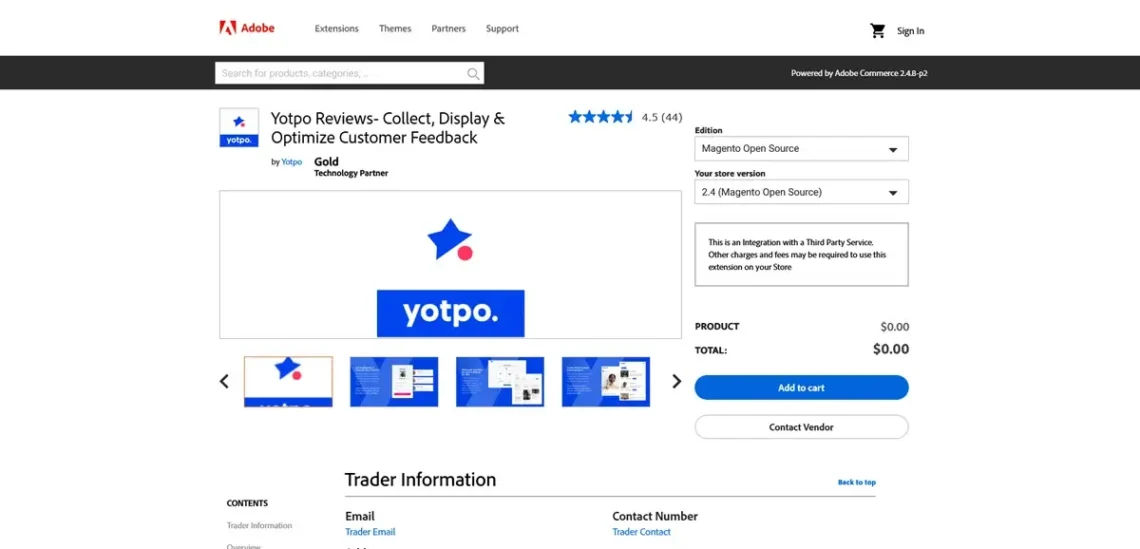
As a customer, you read reviews to determine the quality of a product or service before purchasing it. For example, when you’re looking for a new hosting provider, you often want to see what sort of experience other people have had with a particular host before you sign up.
Reviews can be even more helpful for you as a store owner. This includes the bad ones. For example, the user may be unhappy with the product and still leave a few positive words about your return policy. Furthermore, both good and bad reviews are clear indicators of a working business.
However, it’s more important to analyze all the feedback and use the information in it to improve your business. Reviews are essential for showing you what you do right and wrong, giving you the best chance of implementing changes that will have a tangible impact on your overall success.
Yotpo Reviews is an extension that helps you implement this functionality in the most efficient way possible. Yotpo is a third-party service developing a range of tools for ecommerce businesses.
With the extension, you can set up a comprehensive review and rating system with plenty of features. Customers can publicly post opinions on specific products, rate them, and ask questions through a Q&A feature that allows you to interact with them and be responsive and transparent.
To use the extension, you need a Yotpo account. You have several subscriptions to choose from, each giving you different options.
With a free plan, you can implement a review and rating system into your Magento site and use basic moderation tools. Image and video attachments are available to premium subscribers, along with other nifty features such as AI-powered summaries and replies, rich snippets that help with SEO, and more.
Considerations
Yotpo is a renowned platform trusted by hundreds of large online businesses. Nevertheless, it’s a third-party service that may not always work as quickly as your Magento store. Potential performance drops could affect your site’s overall experience. If you’re using Yotpo in conjunction with other extensions that affect your product page, you should conduct a few tests to ensure everything works as expected.
Price
The Yotpo extension itself is free, but it requires a Yotpo account. You can use the free plan or opt for one of the paid subscriptions, which start at $79 per month.
MageWorx Advanced Product Options Suite
Best Magento Extension for Product Management
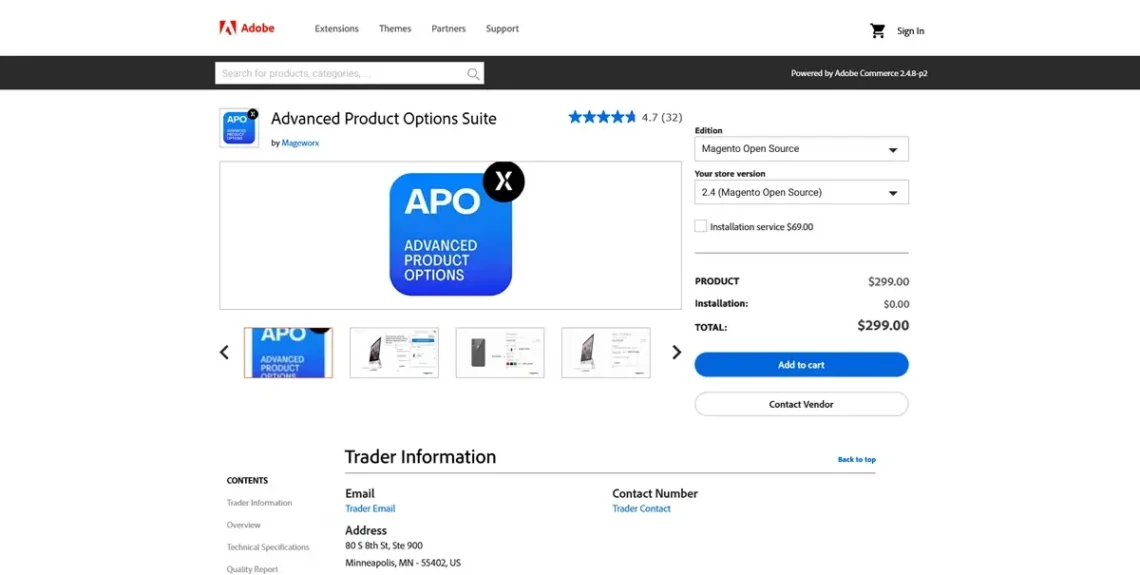
Although it’s been around for nearly 20 years, in its default state, Magento still has some product management limitations. They become particularly apparent when you try to add product options.
Custom options are available, but they can only be added to individual products. You can’t manage them centrally or use them across products or categories.
If you have an extensive catalog with numerous product variants, you’ll need to spend ages setting them all up, generating an awful lot of SKUs that bloat up your database. Stock management isn’t available at the option level, either, so you can’t track inventory by size or color, for example.
There are problems on the front end, as well. By default, Magento doesn’t allow you to apply conditional logic, so you can’t make specific options appear based on previous selections or actions by the user.
As always, all these problems can be resolved with an extension, and Mageworx’s Advanced Product Options Suite is one of the best available plugins.
With it, you can create custom options templates and apply them to as many products as you want. You can assign templates by SKUs and IDs and specify the input for every single option (drop-down, radio buttons, multiple selection, etc.).
The extension also gives you greater freedom when it comes to the visual presentation of the different product variants. You can create image or color swatches, upload multiple photos for each individual option, and preview them in a tooltip or next to the product option selection.
The add-on’s conditional product options can make the shopping experience smoother and more efficient. For example, if you’re selling T-shirts, you can configure the page to display the available color options only after the customer has selected their size.
Tracking inventory is much simpler as well. You can add and monitor the availability of individual product variants and configure Mageworx’s extension to hide them when they’re out of stock.
The add-on enables you to sell products by weight, length, or volume and automatically displays the price on the front end. It can also calculate shipping fees based on the item’s dimensions and weight.
Considerations
Mageworx’s Advanced Product Options Suite has quite a few options, but you need to be cautious when selecting which ones to enable. If you get a bit carried away, the product page may start to look overcrowded and confusing.
It also pays to check the extension’s compatibility with your theme.
Price
The Advanced Product Options Suite by Mageworx costs $299 per year for the open-source version of Magento. An installation service is also available for $69.
eDesk – AI-Powered Helpdesk & Live Chat
Best Magento Extension for Customer Support
Store owners often overlook the real-world impact of poor-quality customer support. This is somewhat surprising given how visible it can be in every stage of the shopping process.
If a potential customer has a pre-sale question that goes unanswered, they will likely abandon the purchase. They’ll also walk away if their credit card is not accepted and there’s no one to give them an alternative option. And if they’re unhappy with the item they’ve received, they’d want to speak with a person who can explain the refund policy and provide a solution.
Magento doesn’t come with any tools that allow your customers to contact you directly, so you’re required to use an extension. The AI Powered Helpdesk & Live Chat add-on by eDesk is one of the best of its kind.
The extension allows your customers to contact you quickly and easily. When they do, you open a centralized dashboard that contains the message, as well as additional relevant information, including order details, previous communication and purchases, delivery info, customer details, and more.
eDesk is a third-party platform and can be enabled across multiple sales channels – pretty handy if you have several ecommerce projects and want to consolidate all customer queries in a single interface.
The service utilizes artificial intelligence quite heavily. It analyzes the contents of an incoming email or ticket and figures out what the query is about. It also reads the message carefully, checks previous orders and communications, and tries to guess whether the customer is angry or not.
Last but not least, it summarizes the case and generates a couple of responses you may want to use. The goal is to provide customer support that is both quick and efficient.
Considerations
Yet again, before rolling out the Live Chat and ticketing system into production, it’s a good idea to test it to ensure it works well with the installed theme and other extensions.
Although it’s tempting to rely heavily on eDesk’s AI implementation, do so with caution. Customers often dislike it when their support responses are generated by a robot, and they’re likely to notice if there’s a complete lack of human interaction.
Price
The Magento extension itself is free, but you need an active eDesk account to use it. Prices start at $39 per agent/mo on an annual billing cycle. The more expensive plans cost between $89 and $119 per agent/mo, and additional extras, such as AI automation, AI assistance, and translations, are billed separately.
Aheadworks Gift Cards
Best Magento Extension for Gift Cards and Vouchers
A gift card purchase for your store is more than a simple sale. On the one hand, it means that the card’s purchaser trusts you enough to send their loved ones straight to you. On the other, it’s an opportunity to turn the card’s recipient into a regular customer.
It’s good news for the business overall, but to implement a successful gift card system on your Magento website, you must ensure it is set up correctly.
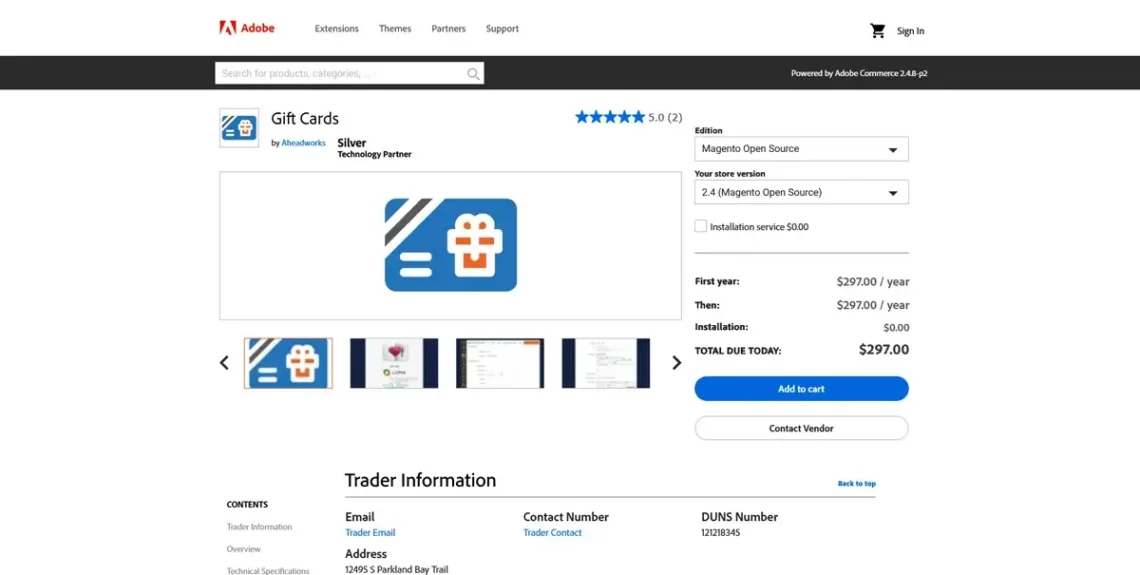
Out of the box, Magento doesn’t support issuing and redeeming gift cards and vouchers. However, there are several extensions that can implement this functionality. The one developed by Aheadworksis among the best.
It’s a comprehensive solution with a range of features. You can issue three types of cards: digital (which arrive in the purchaser’s email as a code), physical (real plastic cards that you deliver to your customers for use at a brick-and-mortar shop or online), or combined (both an email code and a physical card).
You allow customers to choose between various designs for the card and set corresponding pricing options. You can either offer set amounts ($25, $50, $100, etc.) or let users decide precisely how much they want to put in it.
It’s up to you to determine the expiration period of each card, configure reminders, and allow people to add personal messages.
Considerations
Carefully consider the terms and conditions you will establish for your gift cards and vouchers. They must be fair for both you and your customers. See how other ecommerce businesses handle the matter, and if necessary, consult a specialist to ensure you get it right.
Price
The Gift Cards extension by Aheadworks costs $297 per year.
Amasty SEO Toolkits
Best Magento Extension for SEO
When building a blog, you’re usually focused on a specific target audience and not particularly flustered if someone outside that group doesn’t visit your site. Things are a bit different with an online store.
Every hit is a potential sale, and every visitor is a potential returning customer. You want all the traffic you can get, so search engine optimization becomes even more crucial.
Even a relatively small ecommerce site in its initial stages of development has dozens of product and category pages that must be optimized to be as search engine-friendly as possible. As the business grows, so does the volume of work required to climb to (and stay at) the top of Google’s results pages.
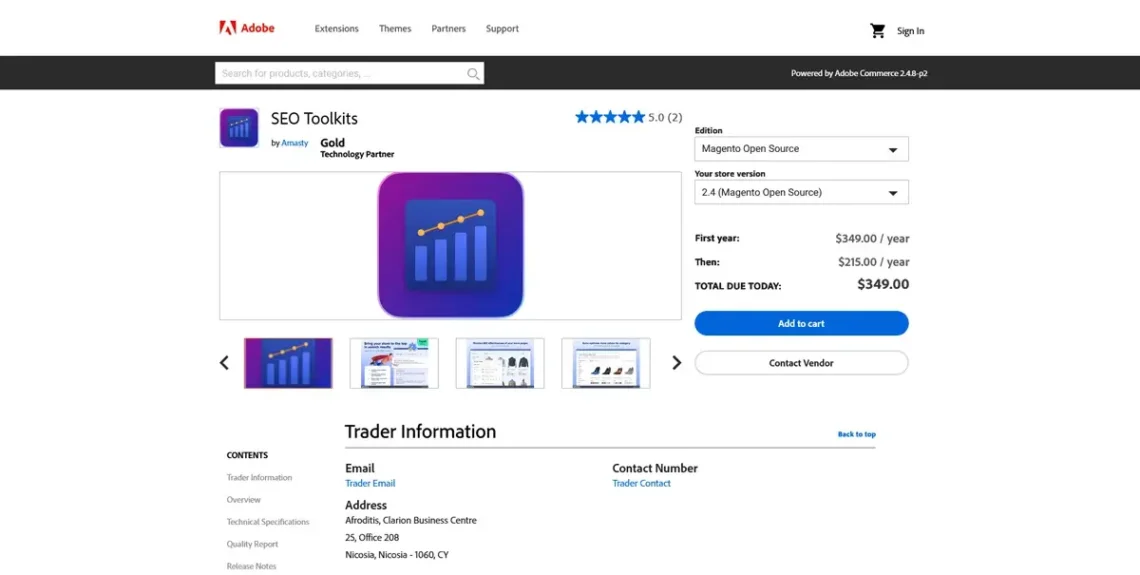
You need all the help you can get, and when you use Magento, it can come in the form of the SEO Toolkits extension by Amasty.
The add-on automates numerous SEO-related tasks to improve your store’s indexation, boost its rankings, and attract organic search traffic. At its heart is the one-click SEO analysis.
After you install Amasty’s SEO Toolkit, you’ll have an SEO toolbar on every page of your store. Opening it will display detailed information regarding elements such as meta titles, headers, descriptions, image alt tags, URL structures, links, and more.
The extension can generate meta tag templates for any page and apply them on demand. It sets up product and category URL templates, making your pages more easily discoverable. Regular scans for broken links and automatic 301 redirects are also available.
HTML and XML sitemaps are automatically generated, and the SEO Toolkits extension can build and apply an effective cross-linking strategy that improves your site’s authority. It also features advanced functionality for creating rich snippets, enabling your customers to understand what they’re viewing while still on the search engine results pages.
Considerations
The SEO Toolkits extension can handle many critical SEO tasks for you. However, if you use it alongside other tools designed to boost your rankings or if you’ve taken manual steps for improving that particular aspect of your store’s performance, you may encounter some misconfiguration problems or conflicts.
You may also want to manually double-check the metadata the extension assigns as the automatically generated data is not always well-optimized. .
Price
SEO Toolkits by Amasty for Magento Open Source costs $349 for the first year. After that, the price drops to $215 per year.
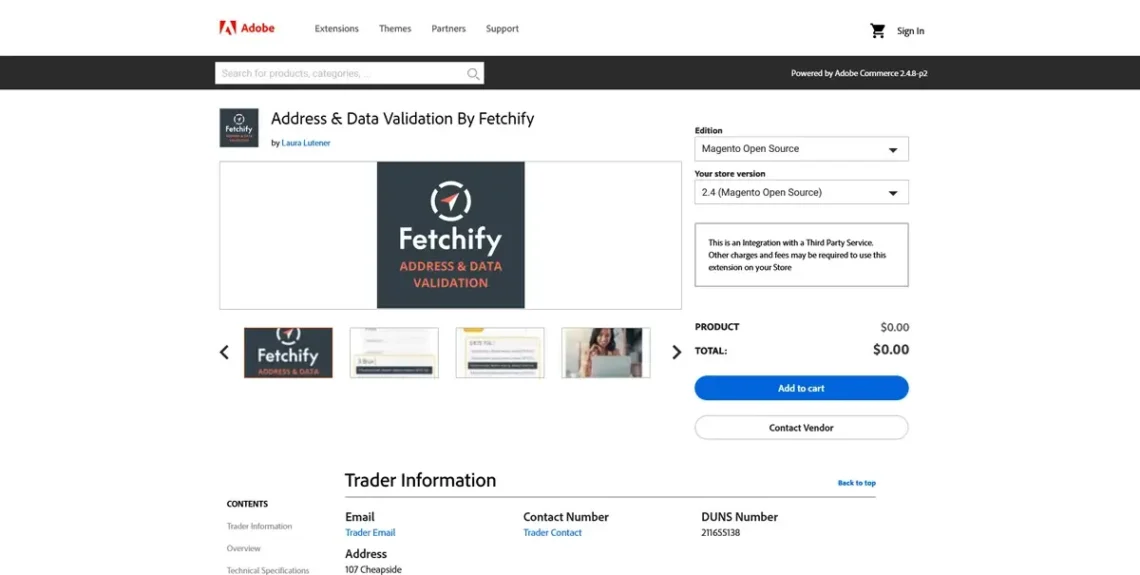
Fetchify Address & Data Validation
Best Magento Extension for Addresses
Most online stores display an order summary page during checkout, which usually includes the full name and variant of the product, the price, all taxes and shipping fees, the shipping and billing addresses, and the customer’s contact details.
This allows the user to double-check the information they’ve entered and ensure everything’s correct. This minimizes the risk of customers entering the incorrect address or telephone number, which could cause a lot of headaches down the line.
As it turns out, there is a more convenient way of avoiding them, though, and it comes in the form of the Address and Data Validation extension by Fetchify.
It integrates seamlessly into the checkout page and relies on an extensive database containing all valid postal addresses in over 240 countries. When users start typing their shipping and billing addresses, the service auto-suggests real locations and allows them to quickly pick the right one. The extension can also validate emails and phone numbers and works with UK postcodes.
The advantage is two-fold – on the one hand, you create a faster and smoother checkout, and on the other, you minimize the chance of the user providing an invalid address or phone number. Your conversion rate is lifted, and you waste less time dealing with delivery problems and returned packages.
Considerations
Data validation is completed via JavaScript and involves external database queries. It’s best to keep a close eye on how this affects the performance.
Potential compatibility issues may arise with other checkout extensions, and you must ensure the add-on is configured in compliance with GDPR and other relevant privacy laws and best practices.
Price
The extension itself is free, but to use it in production, you need to sign up for the Fetchify service. Pricing is based on credits. Every time a user auto-completes their address with the help of Fetchify, they use up 1 credit. Every phone or email validation costs 0.75 credits.
To use Fetchify, you need to buy a credit pack. The cheapest one-year pack contains 600 credits, valid for twelve months, and costs £40, or approximately $54. The biggest pack offers 80,000 credits and costs £2,500 or $3,360.
Conclusion
Magento extensions are often central to the development of a successful ecommerce business. They make your store more functional and transform the entire shopping experience.
This doesn’t mean you should install all extensions that appear useful, though.
Conduct thorough research and only set up add-ons that bring actual added value.


FAQ
Q: What is a Magento extension?
A: Similar to a WordPress plugin, the purpose of a Magento extension is to expand the functionality of your online store. They can improve everything from SEO and product listings to accounting, tax calculations, and inventory tracking.
Q: How do I install a Magento extension?
A: Typically, there are two options: installing the add-on manually or setting it up via the Composer command-line utility. The manual installation involves downloading the extension as a ZIP archive and extracting it to the app/code subfolder of your Magento installation. Then, it’s a matter of running a few commands to ensure it’s deployed. With Composer, the entire process is completed via the command line. It’s also the preferred option if you want more reliable updates and version control. Many extension vendors also offer an installation service for a set one-time fee.
Q: Is Magento now Adobe Commerce?
A: Magento was acquired by Adobe Inc. in 2018. Shortly after that, Magento Commerce (also known as Magento Enterprise), the paid version of the ecommerce platform, was renamed Adobe Commerce. However, the free, open-source edition is still known as Magento Open Source.
What is a VPS – Everything you need to know!